Debugging MCP Server Connections in Claude and Cursor
Client logs reveal connection failures that configuration edits alone cannot fix.
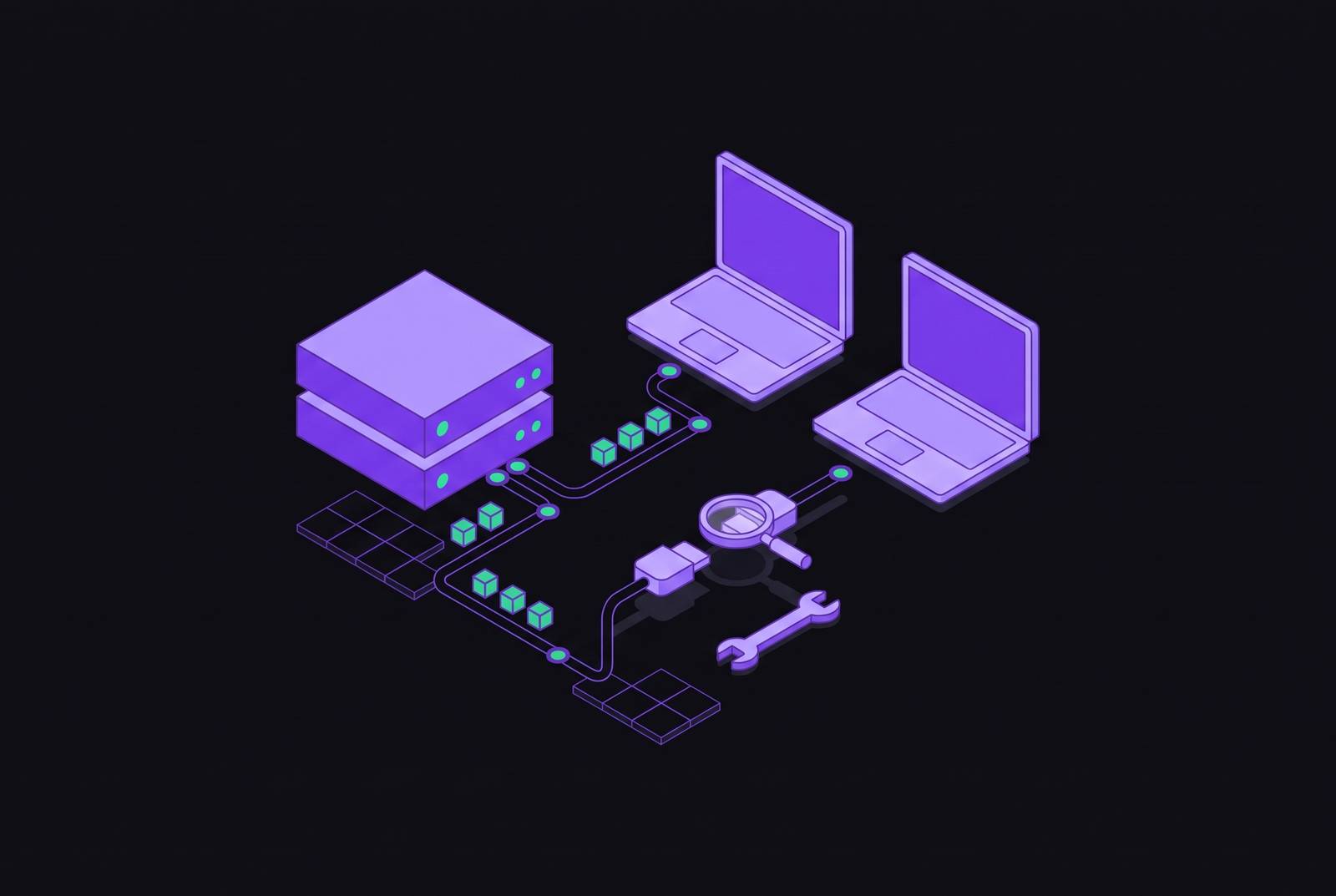
Debugging MCP server connections in Claude and Cursor requires a client-aware process. The client’s own log is the place to start, because clients differ in their configuration paths, how they report errors, and when they reload. From there, an ordered check of configuration, runtime, transport, authentication, and tool discovery separates failures that otherwise look identical.
Why MCP debugging breaks down without a client-aware starting point
MCP failures are often silent. A server may never appear, or it may connect without exposing tools. Editing valid JSON in the wrong file produces no useful error because the client reads a different file and finds nothing. The absence of an error therefore does not establish that the configuration is correct.
That invisibility makes the client the first diagnostic boundary. Claude Desktop writes logs to ~/Library/Logs/Claude on macOS or %APPDATA%\Claude\logs on Windows, while Cursor exposes MCP Logs in its Output panel. Claude Code shows what failed on the Issue line of claude mcp get. Opening the wrong log can conceal a real failure just as effectively as editing the wrong configuration file.
Reading the right log before doing anything else
Start with the log before changing the configuration. For Claude Desktop on macOS, ~/Library/Logs/Claude/mcp.log covers connections, while mcp-server-SERVERNAME.log contains each server’s stderr. The command tail -n 20 -F ~/Library/Logs/Claude/mcp*.log watches both during a restart. An empty per-server log is also evidence, since a stdio server may never have started.
For Cursor, open the Output panel with Cmd+Shift+U and select “MCP Logs.” Claude Code provides claude mcp list for server health, claude mcp get <name> for the specific Issue line, and /mcp inside a session. Codex provides codex mcp list or /mcp in the TUI.
The symptom determines the next diagnostic step. An absent server points to the configuration path or parser, while spawn <command> ENOENT points to command resolution. MCP error -32000: Connection closed calls for running the command directly and reading stderr. A server that starts and drops right away points to stdout output, while a connection with no tool calls points to the number of tools and their descriptions.
Config file failures: wrong path, broken syntax, and duplicate names
A server missing from the list usually indicates a configuration authorship error. Claude Desktop reads ~/Library/Application Support/Claude/claude_desktop_config.json on macOS or %APPDATA%\Claude\claude_desktop_config.json on Windows. Claude Code uses .mcp.json at the project root or ~/.claude.json at user scope. Cursor uses .cursor/mcp.json for a project or ~/.cursor/mcp.json globally. Codex uses ~/.codex/config.toml or .codex/config.toml in a trusted project.
First, confirm that the relevant file exists and is non-empty. Desktop’s Settings → Developer → Edit Config route creates the file if it is missing. Remote Desktop servers belong under Customize → Connectors → Add custom connector instead. Similar-looking configuration snippets do not make these locations interchangeable.
If every server that used to work disappears, suspect syntax. JSON permits neither comments nor trailing commas, copied smart quotes can break parsing, and Windows paths require doubled backslashes. Validate Cursor’s file with python3 -m json.tool ~/.cursor/mcp.json > /dev/null && echo "valid JSON" before restarting [1]. Missing required fields and type mismatches also cause configuration failures. In Cursor, omitting the mcpServers root key silently causes the whole file to be ignored.
Duplicate keys in one JSON object leave the last definition in effect, while Claude Code resolves repeated names by scope precedence, with local beating project and project beating user. It also skips reserved names including workspace, claude-in-chrome, computer-use, Claude Preview, and Claude Browser, with a warning. Choose a distinctive key and inspect claude mcp list and claude mcp get <name>. Once parsing and naming are correct, a stale reload becomes the next suspect.
Restart behavior that differs by client and why it matters
Even a valid edit takes effect only when the client reloads it. Claude Desktop reads its configuration only at startup, so closing its window is insufficient. Fully quit and reopen the application. On macOS, osascript -e 'quit app "Claude"' && sleep 2 && open -a "Claude" performs that restart, while the log-watching command above exposes new connection attempts.
Cursor offers a narrower reload through its per-server on/off toggle in MCP settings. If toggling a server makes it appear, the configuration was valid and the load was stale. Once the configuration loads, failures at startup come from the runtime layer, especially how commands are found and how environments differ.
Runtime failures: command paths, environment variables, and stdout pollution
A command that works in a terminal may fail inside the client because a stdio subprocess receives a limited environment. For spawn <command> ENOENT, use the executable’s absolute path, found with which uv or which node on macOS/Linux, or where uv on Windows. Use absolute paths in arguments too, since the working directory may be undefined. Keep command to one program. Putting npx -y some-server there makes the client look for a program with that whole name.
Windows adds a distinct launch requirement. npx, npm, pnpm, and yarn are .cmd npx, npm, pnpm, and yarn are .cmd scripts, so wrap them with cmd /c.exe programs, so wrap them with cmd /c. For example, set command to cmd and args to ["/c", "npx", "-y", "@modelcontextprotocol/server-filesystem", "C:\\Users\\username\\Desktop"]. If an ENOENT path contains ${APPDATA}, add its expanded value to the server’s env` key.
Cursor launches processes with its own environment. If a standalone server works but the client launch fails, declare required variables through env or an envFile reference. Never commit secrets to the configuration file itself.
For stdio, stdout must contain JSON-RPC messages exclusively. Diagnostic output corrupts that stream, even when the server otherwise starts correctly. Python diagnostics should use print("debug", file=sys.stderr) rather than ordinary stdout printing, and JavaScript should use console.error() rather than console.log(). An Inspector success does not rule this out if Inspector used a different transport. MCP protocol version 2026-07-28 deprecates notifications/message, so new servers should use stderr for stdio diagnostics or OpenTelemetry for structured observability, and existing implementations should migrate.
Runtime age is another independent failure source. The TypeScript server SDK @modelcontextprotocol/server 2.3.1 requires Node.js 20, while the Python SDK mcp 2.3.0 requires Python 3.10. Check with node --version and python3 --version, remembering that the configured executable may differ from the terminal’s. Once the process starts cleanly, a failed remote connection calls for a check of the transport.
Choosing the right transport and why remote stdio breaks in Cursor
Stdio and Streamable HTTP serve different deployment models. Stdio fits local tools for one user because the client starts a subprocess on the same machine. Streamable HTTP works well for shared servers that use authentication because the client connects to a URL. Both transport the same JSON-RPC messages, but they do not share the same process boundary.
Remote stdio conflicts with Cursor’s connection model. The subprocess launches remotely while Cursor expects it locally, producing intermittent failures without a clean error message. The fix is unambiguous. Deploy a hosted endpoint. Configure Cursor with a url entry and an Authorization header. Its HTTP transport handles reconnection automatically on the next tool invocation.
Protocol versions introduce another, subtler mismatch. HTTP+SSE from protocol version 2024-11-05 was deprecated on 2025-03-26 and replaced by Streamable HTTP. The 2026-07-28 revision made Streamable HTTP stateless and removed protocol-level sessions, Mcp-Session-Id, the initialize handshake, and SSE resumability. Older tutorials can therefore describe behavior the revised specification tells servers to ignore. Unsupported versions return error -32022, UnsupportedProtocolVersionError, with supported versions, and HTTP 400 on Streamable HTTP. With transport aligned, authentication and tool discovery remain.
Authentication failures and the OAuth flow problems specific to Claude Code and Cursor
An authentication-required state can conceal three different OAuth failures. Without a local browser, such as in an SSH session or Linux without a display server, the browser never opens. With a blocked loopback port, browser approval completes but the callback cannot reach the client. A server requiring a pre-registered redirect URI instead reports a redirect URI mismatch. The visible endpoint is similar, but the failed step differs.
Run the flow in the shell to expose that step. Claude Code v2.1.186+ supports claude mcp login <server-name>. When no local browser is available, append --no-browser, open the printed URL elsewhere, and paste the callback back. For a failed redirect, the documented recovery is to paste the full callback URL from the browser’s address bar into Claude Code’s prompt.
Use --callback-port 8080 on claude mcp add to configure a fixed redirect port. Codex provides codex mcp login <server-name>. In Cursor, a remote OAuth server triggers sign-in on its first connection, while servers accepting static tokens can use a headers key containing an Authorization value of Bearer your-token.
Using MCP Inspector to bypass the client entirely
MCP Inspector separates server failures from client integration failures. Its CLI invocation pattern uses --config <config-file> --server <server-name> to read the same mcpServers JSON and start one server. Output is human-readable by default, with --format json available for JSON output. The terminal shows errors that the client hides. Inspector @modelcontextprotocol/inspector 2.11.0 requires Node.js 22.19.0.
A clean run establishes that the binary exists, the command resolves, protocol startup completes, and tools are listed under the tested conditions. A failed run points to the server or its configuration entry. Fix that failure before changing the client. If the transport and environment match and Inspector works, the next checks are how the client loads, reloads, and handles connections.
Inspector also tests beyond connection establishment. Call tools interactively, read their full JSON responses, and look for isError set to true, because errors when tools run differ from protocol errors. Inspect input schemas too, since invalid schemas can fail silently in some clients. The official MCP documentation says to use Inspector first, then server logging, then client developer tools. Reading the client log first routes an existing incident, while Inspector provides isolation before speculative configuration changes.
The tool-count check: when a connected server still produces no results
A connected server with zero tools has a discovery problem. Cursor’s MCP settings panel exposes the count per server, separating this state from a loading failure. Use Inspector to ask for the tool list directly. For connections that use an initialize response, check that its capabilities object declares tools, since some clients otherwise do not request the list. That initialize check does not apply to the Streamable HTTP revision that removed the handshake.
A non-zero count identifies a different problem entirely. Discovery worked, but the model chose not to call a known tool. Name the tool explicitly in the message or invoke it as a slash command. Vague or missing descriptions can prevent the model from matching the request to the tool, so inspect descriptions and test tools interactively to assess whether their schemas make intent clear. Once tools work, the question becomes whether the agent selects the right ones with the right context.
Applying a working MCP connection to brand context — and why a broken server leaves agents guessing
Shared context depends on a working connection, including when that context defines a brand. When a context server fails, agents may proceed with inference. Each agent normally queries the shared source independently, but losing that source allows parallel agents to drift from one another.
Read the right log, confirm that the server appears with a non-zero tool count, and isolate it with Inspector before changing client configuration. Use Streamable HTTP for a server that agents or team members share. Brand context then works as infrastructure, so the prompt no longer has to be repeated. Keeping it in one versioned place lets a change propagate to every agent drawing from it, provided the MCP connection remains operational.