MCP JSON Config Structure and Common Schema Errors
Avoid five schema errors that break MCP agent connections.
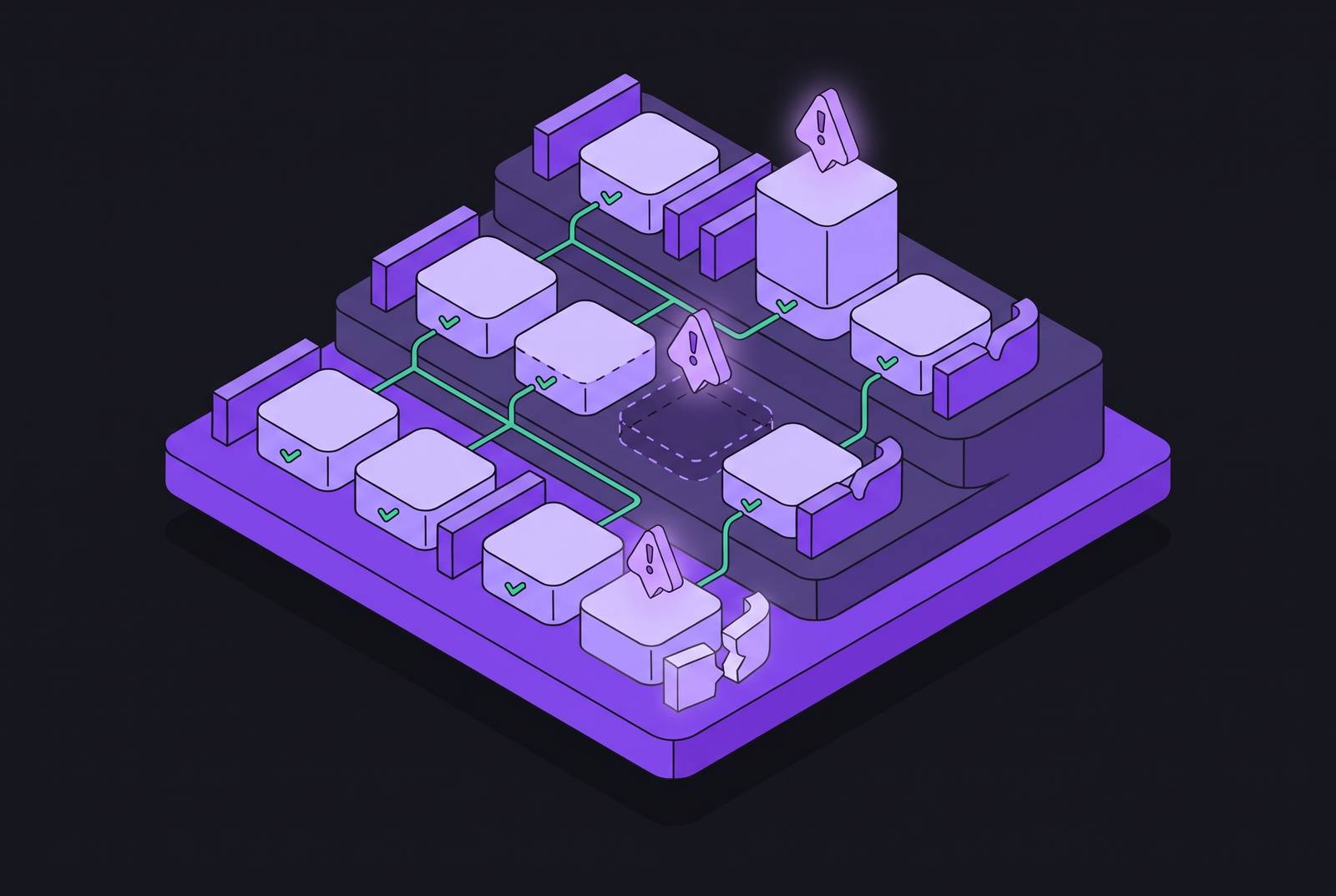
An MCP JSON config file establishes an agent’s route to its tools and context, but valid JSON alone does not guarantee a working connection. For a connection to work reliably, three contracts must agree: the client’s configuration structure, MCP’s message format, and the provider’s tool-schema rules.
What an MCP JSON config file is and why its structure matters for agent connections
A misconfigured server entry can break an agent connection before any tool becomes available. The config file tells the client whether to spawn a local process over stdio or connect to a hosted endpoint over HTTP/SSE. It also supplies credentials and environment variables and assigns the name under which the server registers. This is the connection’s entry point. The client needs a correctly structured config file to obtain the information needed to reach the server.
FastMCP’s MCP JSON Configuration documentation describes this format as an emergent standard across the ecosystem. That distinction is important because client configuration and protocol messages serve different purposes. The former establishes access, while the latter governs discovery and use of tools, resources, and prompt templates. A correct server entry therefore clears only the first boundary.
The required and optional fields in a valid mcp.json config
The configuration format described here has one required top-level key, mcpServers. Its value is an object whose child keys can be any server names, each with its own server definition. Transport determines the required fields within that definition. For a local stdio server, command must be a string naming the executable, either through an absolute path or a command available in the system PATH.
The optional args field is an array of strings passed to that executable in order. FastMCP gives python as a command example and server.py, --verbose, --port, and 8080 as argument examples. Even a numeric-looking argument remains a string. The optional env field is an object whose values must also all be strings.
For a hosted HTTP/SSE server, url is the required string field, while the optional headers object supplies authentication tokens. A stdio definition should not include url, and a hosted definition should not include command. Optional fields add to the chosen transport while keeping it the same.
File location depends on the client. Claude Desktop uses ~/Library/Application Support/Claude/claude_desktop_config.json on macOS and %APPDATA%\Claude\claude_desktop_config.json on Windows. Cursor uses .cursor/mcp.json in the project root for project-scoped configuration or ~/.cursor/mcp.json globally. Windsurf uses ~/.codeium/windsurf/mcp_config.json, while VS Code with Copilot uses .vscode/mcp.json. The filename alone does not identify the active configuration.
How MCP messages are shaped at the protocol layer, and what that means for validation
Once connected, the client and server exchange UTF-8 JSON-RPC 2.0 objects. MCP has three kinds of messages: requests, responses, and notifications. Their fields are not interchangeable. A config file can parse correctly even when the messages or tool definitions sent over that connection fail validation.
The MCP schema reference defines JSONRPCRequest with jsonrpc set to "2.0", an id of type RequestId, a string method, and optional params. JSONRPCResultResponse contains the same version marker, the matching id, and result. JSONRPCErrorResponse instead contains error, with id optional. JSONRPCNotification contains the version marker, method, and optional params, but no id because no response is expected.
MCP tightens the base contract in two places. Request IDs must not be null, and every result from a 2026-07-28-compliant server includes resultType. Earlier protocol versions omit that field, which clients treat as "complete". Tool definitions have their own validation checks through inputSchema and, if they declare it, outputSchema. The release candidate also removes the handshake, changing how connections begin.
The 2026-07-28 specification RC and the breaking changes developers must account for now
The MCP 2026-07-28 specification release candidate was published on 2026-05-21, with the final specification scheduled to ship on 2026-07-28. It is the largest revision since launch. Its breaking changes affect how schemas are handled, how errors are caught, and how HTTP is deployed, so even an integration that worked before needs more than a config-file syntax check.
The JSON Schema changes require attention to older keywords. The migration replaces definitions with $defs, $recursiveRef with $dynamicRef, $recursiveAnchor with $dynamicAnchor, and additionalItems with items in the 2020-12 sense. Simple flat schemas using only type, properties, and required are unaffected. The risk concentrates in references and composition. This is not a uniform migration from draft-07 across all earlier implementations, since the 2025-11-25 revision had already established 2020-12 as the default.
The RC permits inputSchema composition through oneOf, anyOf, and allOf, together with $ref and $defs. It also removes the object-only restriction for outputSchema and structuredContent, allowing any JSON value. Provider acceptance remains a separate question. Parameter-validation errors also move from -32002 to JSON-RPC’s -32602, so code that checks only the old code will miss those failures after the upgrade.
The stateless transport removes the handshake and protocol session management. HTTP requests include MCP-Protocol-Version, Mcp-Method, and Mcp-Name, without an expectation of Mcp-Session-Id. Gateways can route on the method and name headers without sticky sessions. This makes deployment easier, but applications can still keep state by passing explicit handles as tool arguments.
The five schema error patterns that most commonly break agent connections
On January 7, 2026, ms-365-mcp-server tools began to fail schema validation with errors that pointed to invalid $ref references. The affected Claude API access went through Azure, but the validation errors came from Anthropic’s API. The cause was invalid reference paths generated through the MCP SDK’s use of zod-to-json-schema. The fix is self-contained tool schemas. They should not depend on external $ref paths or an enclosing parent schema’s structure.
Provider rejection or an HTTP 400 can also indicate unsupported composition and reference patterns. Azure AI Foundry rejects anyOf, oneOf, and allOf anywhere in inputSchema, while Google Gemini CLI rejects array types inside anyOf when items is missing. MoonshotAI Kimi-Code returns HTTP 400 for sibling keywords such as type or description beside $ref, or for $defs/$ref chains whose referenced schema lacks type. Directus and VS Code reject generated $dynamicRef. The portable baseline is a flat schema using type, properties, and required, with composition added only where the target provider supports it.
A server disappearing at connection time can indicate Anthropic’s stricter input-schema validation. Claude Code v2.0.21, released in 2025, moved stricter validation from tool-call time to when the connection is made. Anthropic’s API requires input_schema to have top-level type set to "object". Top-level oneOf or anyOf, including unions generated through the MCP TypeScript SDK’s use of Zod, causes rejection of the entire tool definition.
The error “schema defines an array type without the required 'items' property” identifies a narrower defect. OpenAI function calling and Claude reject an array declaration that does not specify its item type. Every array schema needs items to state what the list contains so it can pass validation.
A rejected successful result can instead expose an outputSchema mismatch. When a tool declares that schema, its result must include conforming structuredContent. Human-readable content does not substitute for it. The fix is to align the actual structured result with the declared shape, including when the RC permits that shape to be a non-object JSON value.
Config-file syntax errors that crash agents before any schema validation runs
Malformed JSON never reaches these schema checks. Unescaped Windows backslashes, trailing commas, comments, single-quoted strings, and missing commas between server entries can all prevent parsing. A Windows path such as C:\Users\name needs escaped backslashes as C:\\Users\\name within a JSON string. JavaScript conventions do not apply here. JSON rejects trailing commas and does not support // or # comments.
A load_config() implementation that calls json.load without error handling can raise a JSONDecodeError and crash the tray app at startup without a useful user-facing message. Because the configuration loads on every refresh, the same malformed file can cause trouble again and again. The practical first step is to run the config through a JSON linter before investigating protocol behavior. That check should be part of every deployment as well as recovery.
How silent failures make schema errors harder to find than syntax errors
The confusing schema-failure symptom is often simply that the server is unavailable. There may be no failed tool call to inspect because validation prevented the tool from becoming available at all. Syntax errors are usually visible in parsing or startup failures. Schema errors can leave the agent running. In a multi-agent workflow, other agents may keep going with whatever context they already have, even if they have none.
Claude Code v2.0.21+ can silently drop servers whose schemas fail connection-time validation without a reliable surfaced diagnostic. The diagnostic habit is still to inspect client logs first, but log inspection must not be mistaken for a guarantee that every rejected server leaves a usable explanation. Absence of an error is not evidence of acceptance. Testing each tool schema against the validation subset of every target provider catches what protocol-only validation can miss.
After an RC upgrade, error handling that still checks -32002 will miss failures now reported as -32602. That creates another form of silence, this time in the integration’s own failure detection.
Why a broken MCP connection means agents generate output with no brand context
When an MCP server is the delivery path for brand context, losing that connection means agents generate output without that context. The failure is therefore a brand-consistency gap as well as a connection defect. Guidelines in PDFs, Figma files, or people’s heads do not reach an agent at creation time through this architecture unless the server delivers them. Availability becomes part of brand governance.
MCP gives each agent its own route to the same brand-context server. That shared source avoids isolated prompt copies that drift across agents and sessions. When the brand changes, guidance kept in prompts must be updated by hand wherever it appears. Structured context is instead persistent, distributable, and updatable from one source. A schema rejection interrupts that shared delivery mechanism.
Pulumi runs a brand server at brand.pulumi.com with, as of mid-September 2026, 13 readable sources and 11 callable tools, including a tool that calculates contrast for a color pair. BrandKit MCP v2, published by ejwhite7 on GitHub, exposes verbal and visual identity through 18 read-only tools, one local write tool, and 14 resources. These are concrete context-delivery systems. Their usefulness depends on agents successfully discovering and using the exposed interfaces.
Markolé is designed for agencies and brand consultants and gives guided users read-only MCP access and Pro users full write access. Locked visual identity sections remain unchanged and return a structured 423-style error identifying the locked sections and how to unlock them. Brandiseer exposes brand-aware image generation through MCP, with the agent deciding when an image is needed and what it contains while the server supplies its look and feel. These examples connect schema correctness to both access control and brand execution.
A working schema checklist for MCP tool definitions that connect reliably across providers
In the configuration, check that the server entries in mcpServers use consistent names. A stdio entry needs command and can have args as an array of strings and env with string values, while a hosted entry needs url and can have headers. Keep those transport definitions separate. Lint the file before deployment to remove parse failures from the investigation.
At the tool layer, use an object-rooted inputSchema and declare items for every array. Keep references self-contained and favor flat schemas that work with a wide range of providers. Use composition and advanced references only after checking that each target provider supports them. A declared outputSchema also requires matching structuredContent, regardless of any human-readable result.
For an RC migration, update older schema keywords, validation-error checks, and HTTP headers together. Replace checks for -32002 with -32602, include the required protocol, method, and name headers, and remove expectations of protocol session management. Then test provider acceptance independently of MCP conformance. When a server does not appear, inspect client logs first and test its schemas against each target provider rather than treating silence as a successful connection.