Running a Local MCP Server for Development and Testing
MCP Inspector lets you test servers locally before connecting a real AI client.
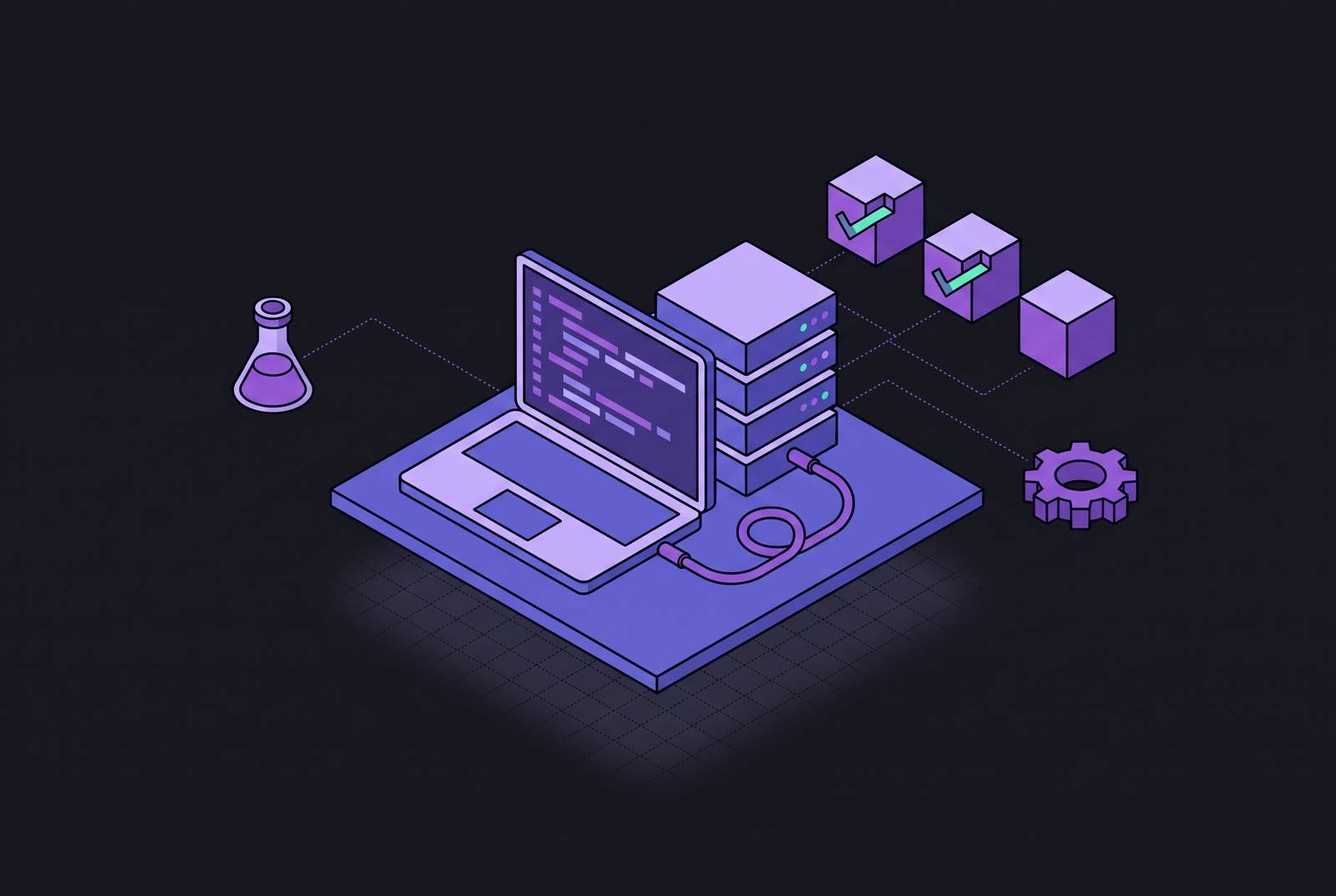
Running a local MCP server for development and testing requires more than starting a process. It requires a controlled environment, disciplined use of stdio, and separate checks for protocol correctness and model behavior. The reliable workflow is to build locally, test with MCP Inspector against the intended protocol version, and connect a real AI client only after those checks pass.
What local MCP development actually means in 2026
MCP has become a leading integration layer for AI agents, but servers now reach their users more and more through remote URLs. Local development is therefore a deliberate choice. For a developer building or debugging a server before deployment, that choice removes public endpoints, network transport latency, and authentication infrastructure from the immediate testing problem. The development environment becomes a subprocess and a terminal. That narrower scope makes it easier to work on capabilities, inspect protocol traffic, and diagnose failures before introducing remote deployment concerns.
What a local MCP server actually is: hosts, clients, and the subprocess model
The MCP specification defines three roles relevant to this workflow. The host is the AI application, the client is its connector to one server, and the server is the program exposing capabilities. Those capabilities have different controls. Tools are model-controlled functions discovered through tools/list and invoked through tools/call, while resources are read-only, URI-addressed data that the application or user attaches. Prompts are named templates that take arguments and that the user controls, often through slash commands. Choosing the right primitive before writing the code saves refactoring later.
In the local stdio model, the host launches the server as a subprocess and communicates over stdin and stdout. There is no listening port or public endpoint. The wire format is JSON-RPC 2.0, although the SDK handles most direct interaction with it. That distinction becomes important when debugging, because a tool’s application logic can be correct while its protocol connection is broken. The official MCP build guide uses a weather server with get_alerts and get_forecast tools, which provides the reference example throughout this workflow.
Choosing stdio for local development and what that choice commits you to
For local development tools and local data, stdio is the appropriate transport. It exchanges newline-delimited JSON-RPC messages through the subprocess streams without requiring a port, authentication infrastructure, or public URL. Streamable HTTP is the right choice when the server must serve more than one host or cross a network boundary. That is a different deployment requirement. The deprecated HTTP+SSE transport should not be used for new designs.
The decisive constraint is that stdout belongs exclusively to protocol messages. Any other output can corrupt the stream and break the connection, including a diagnostic message from inside an otherwise successful tool call. In Python, keep default print() calls out of the server and use the standard library logging module, which writes to stderr, with logging.getLogger(__name__) for each module. This restriction is specific to the transport. HTTP servers can log to standard output without interfering with HTTP responses.
Local execution also has a security consequence. The subprocess inherits the host’s environment, so its executable, arguments, environment variables, and filesystem permissions require deliberate review before sharing or deployment. Removing a public endpoint does not remove access to local secrets or files.
Setting up the environment: Python and uv as the reference path
The official build guide calls for Python 3.10 or higher and Python MCP SDK 2.0.0 or higher. Its reference setup uses uv to manage packages and the environment. Install uv first, then restart the terminal so the command becomes available. The supplied installation fragment, curl -LsSf | sh, omits the download URL and is not a complete executable command. The complete installer command, or its Windows PowerShell equivalent, must come from the installation instructions.
Once uv is available, create the project with uv init weather && cd weather. On macOS or Linux, create and activate the virtual environment with uv venv && source .venv/bin/activate, install the SDK and CLI extras with uv add "mcp[cli]", and create the server file with touch weather.py. The dependency installation includes httpx2 transitively. No separate HTTP client installation is needed for this path. TypeScript is also a fully supported option for Node.js teams, while Go suits high-concurrency scenarios, but Python remains the reference here so that setup, implementation, and testing use one consistent environment.
Building a minimal server: the MCPServer class, tool decoration, and the logging rule in practice
The weather server begins with from mcp.server import MCPServer and an instance created as mcp = MCPServer("weather"). Next comes the helper logic, then the decorated tool functions. The class generates tool definitions from Python type hints and docstrings, making those declarations part of the interface. Each tool uses the @mcp.tool() decorator. Its function can be synchronous or asynchronous, according to the work it performs.
The guide’s get_alerts function accepts a state argument typed as str and returns a string describing active weather alerts for a US state code. Its get_forecast function accepts latitude and longitude arguments typed as float and returns a forecast string. These signatures establish the expected inputs. Precise docstrings then explain when the model should use each tool, so their wording needs as much care as the argument types.
In either function, diagnostic output must go through logger.info() or a similar logging method in place of print(). A stray print statement can turn a tool execution into a connection failure. Tool error handling should return a string describing the failure rather than allow an unhandled exception, giving the model a message it can relay. With the instance, helper logic, and decorated functions implemented, the weather server is ready for testing.
Testing the server before connecting any AI client: MCP Inspector
MCP Inspector saves the time spent changing code, restarting Claude Desktop, checking the result, and doing it all again. It connects directly to the local server and provides an interface for discovering capabilities and calling tools with custom arguments. No AI client or custom client code is required. That separation keeps model behavior out of the initial diagnosis, allowing the developer to examine what the server exposes and returns.
The practical testing sequence is to discover the registered capabilities, call the weather tools, inspect the messages, and verify the results. Inspector supports tools, resources, and prompts, so servers exposing more than tools can also have their registrations checked. Raw JSON-RPC inspection is especially useful when a response is unexpected. It shows what the server actually sent rather than only what an application chose to display. This makes it possible to distinguish a server response problem from a later presentation problem.
Inspector also works from the command line with a running server, so these checks can run in scripts for CI or pre-commit workflows. Passing them establishes a basis for client integration, but the protocol version exercised by the checks needs separate attention.
Testing against the 2026-07-28 spec: what changed and how to check compatibility
Inspector’s default mode tests the older 2025-era handshake, so passing that check does not show that the server works with the 2026-07-28 specification. Run the CLI with --protocol-era modern in addition to the default check. Without it, a server can appear ready while lacking behavior required by modern clients.
The 2026-07-28 revision removes protocol-level sessions and the initialize and notifications/initialized handshake, as well as the Mcp-Session-Id header. Applications can still keep state by using explicit handles minted by the server. Servers must have server/discover to show which versions and capabilities they support and who they are, though clients can choose whether to call it. List results now include ttlMs and cacheScope, and deterministic ordering supports caching. Tasks have moved to an official extension.
The revision also deprecates Roots, Sampling, and Logging together under SEP-2577, and deprecates Dynamic Client Registration on its own. These features remain eligible for use during a minimum twelve-month deprecation window, but new implementations should not add them. The suggested replacements are explicit tool parameters, resource URIs, or server configuration for Roots, direct LLM provider API calls for Sampling, and stderr or OpenTelemetry for Logging. Protocol Logging is distinct from Python’s logging module. Using that module for stderr diagnostics remains consistent with the local stdio workflow.
Common failure modes in local MCP servers and how to diagnose them
A malformed JSON-RPC response, parse error, or silent connection drop often points to stdout corruption. The cause is non-protocol output entering the stream. Redirect that output to stderr through the logging module, including statements inside tool functions. But a validation error after a call with arguments that look valid points to a schema mismatch. Check whether the type hints are missing or imprecise, or whether they have been propagated incorrectly into the generated JSON Schema.
A failure confined to modern protocol testing calls for inspection of server/discover. When discovery is missing or wrong, the server may fail to work with modern clients even when its tools work. Add or fix the required response even if the tools already run successfully. Deprecated Roots, Sampling, or Logging usage has a different status. It can interoperate during the deprecation window, but testing should flag it as technical debt and identify the appropriate replacement.
Environment leakage can happen without a protocol error. Because the subprocess inherits the parent environment, review the secrets and configuration it can read at startup. Tool-description problems also require a different diagnostic view, since a tool can execute correctly in Inspector yet be ignored or misused by a model. Test selection as well as execution. That final category leads directly to verification in a real AI client.
Connecting the local server to a real AI client for end-to-end verification
The official build guide uses Claude for Desktop as its reference host for simplicity. Claude Code, Cursor, and OpenAI Codex also support local stdio servers, each through its own configuration file or settings panel. Registration identifies the server executable and its arguments. The host then launches the subprocess when the next session starts. Claude Desktop needs a restart after configuration changes, so routine checks of the code should happen in Inspector first.
End-to-end testing should check whether a natural-language request gets the model to choose the right weather tool. It should also examine whether the model interprets the returned result correctly and presents it usefully. Tool execution alone cannot establish either behavior. The same testing stage should check how the server handles concurrent calls when the host issues more than one in quick succession. These checks address the interaction between the server and the application, beyond the validity of individual messages.
Hosted clients such as ChatGPT web require a tunnel or public URL to reach a server running on a local machine, which brings remote deployment into the workflow. The practical division remains Inspector for protocol correctness and a real client for model behavior.
How brand context fits into a local MCP server workflow
AI agents require explicit, structured brand knowledge at generation time. Without a shared source, separate copies of brand rules drift as the brand changes. With MCP-based delivery, connected agents can all use the same source. Pulumi runs a production brand MCP server exposing brand voice, writing rules, and product names as queryable resources, illustrating the pattern a team can prototype locally.
The local workflow remains the same for this use case. A stdio server built around an MCPServer instance can expose brand_get for color, type, and voice rules, resources for logo files, and prompt templates for campaign briefs. Inspector can check that those capabilities work before any production agent uses them. Because resources are application-driven rather than autonomously fetched by the model, client verification must also establish that the relevant context reaches the generation workflow as intended.
Version changes deserve an explicit local test. When brand context changes, the server should reflect the new version so connected agents can pick it up without manual prompt updates across sessions. Protocol checks establish that the revised context is exposed correctly, while client testing establishes whether it is used correctly.