MCP Server Setup in Claude Desktop for Marketers
MCP servers let Claude access your live marketing data and brand guidelines without manual pasting.

Setting up an MCP server in Claude Desktop is a low-code way to connect Claude to live marketing tools, data, and brand context. The lasting value comes from understanding what each connection provides and controlling how Claude uses it. With the right setup, MCP turns repeated exports and pasted instructions into a daily workflow built on shared context.
What MCP actually does when Claude connects to an external tool
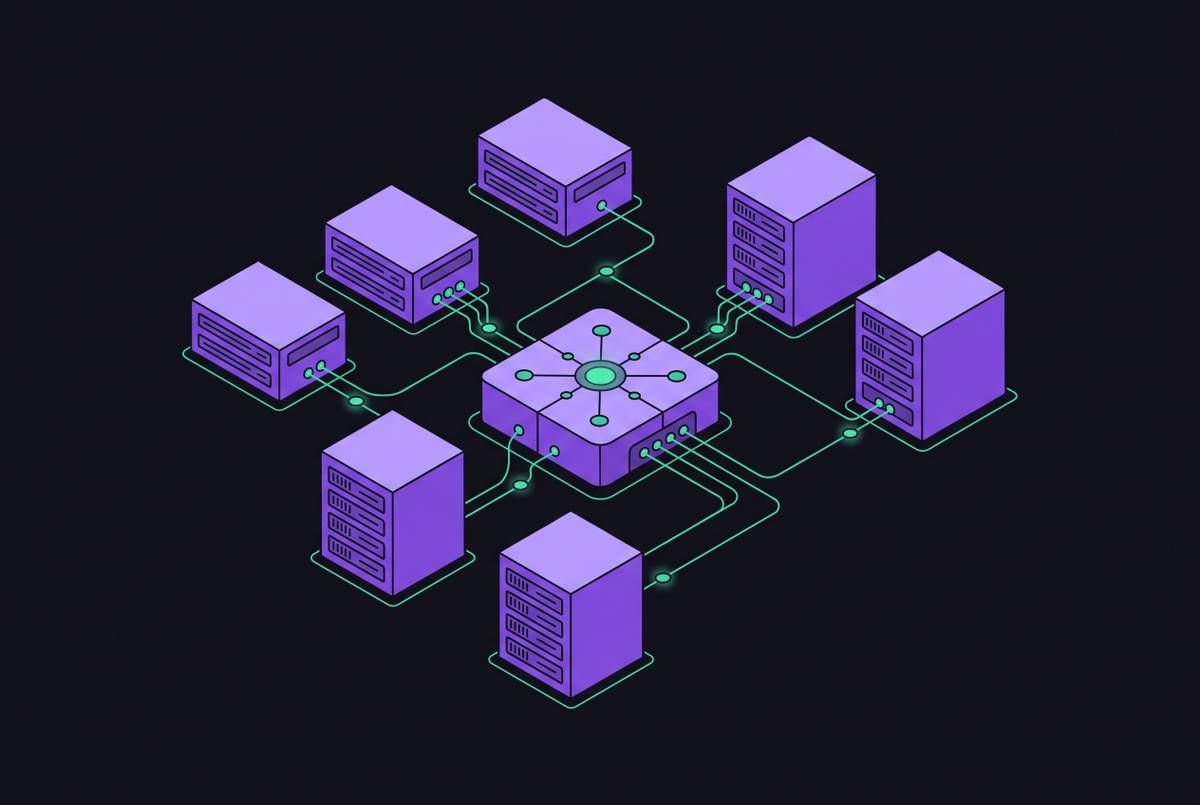
MCP, or Model Context Protocol, is an open standard that lets Claude connect to external systems during a chat. Anthropic authored and released it in November 2024, making Claude its native home. Its description as “a USB-C port for AI applications” captures the basic idea of one standardized connection across many tools. Instead of working only with the material supplied in chat, Claude can query a live data source, read a file, or call a platform API. For a marketer, the practical difference is that Claude can pull campaign figures when asked.
Why marketers specifically need MCP, not just better prompts
A better prompt cannot give Claude facts it does not have. Out of the box, Claude has a training cutoff and no access to a brand’s style guide, campaign history, approved messaging, or asset library. Copying guidelines into each conversation helps, but it is hard to keep doing this across a team, and the guidelines do not carry over between sessions. MCP changes the approach from manually feeding context to making that context available on demand.
A Brand Context MCP, such as the one Rainbrand provides, is the brand-side answer to this problem. It exposes logos, colors, fonts, voice guidelines, and approved assets through an endpoint a connected agent can read. Data connections need just as much care because having up-to-date figures does not ensure sound measurement. Each ad platform gives its own account of how well it performed, so an independent measurement layer matters when Claude compares channels.
The three setup paths available in Claude Desktop and when to use each
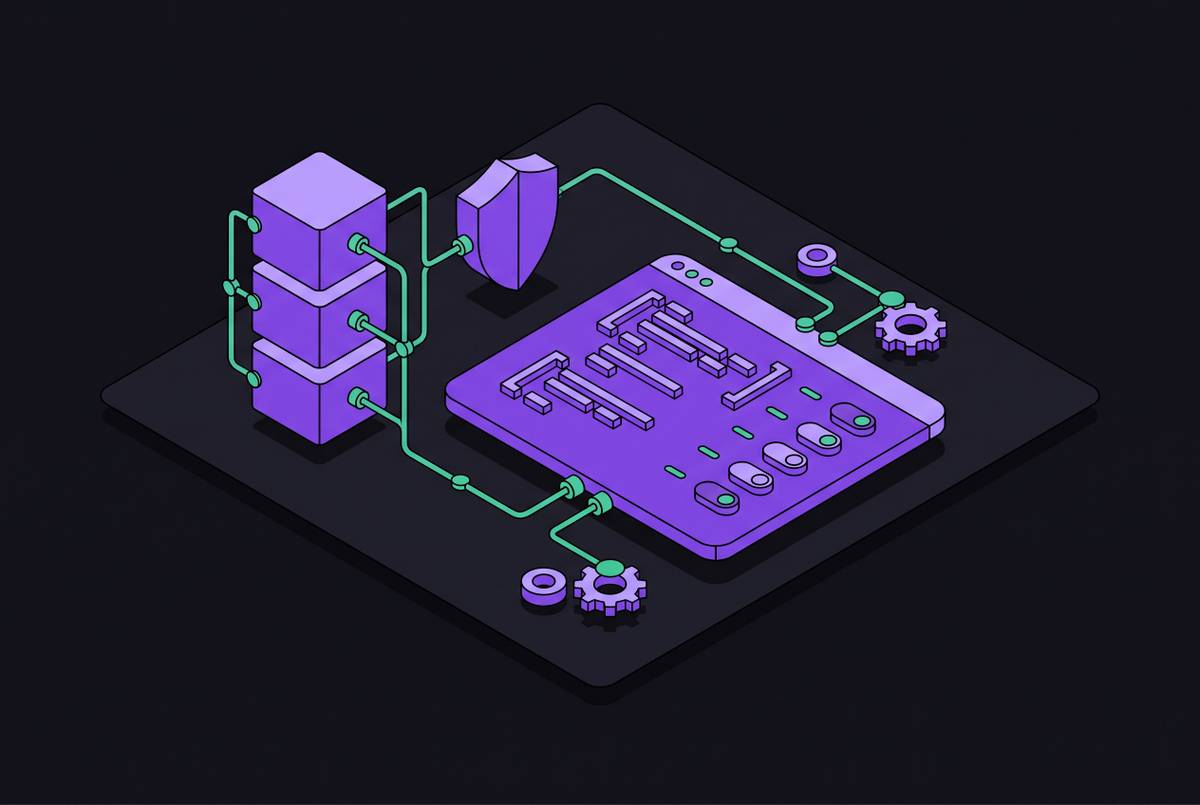
Start by checking whether the tool offers a Desktop Extension or a trusted remote connector. If it provides an .mcpb file, the extension packages a local server into a guided installation. Claude Desktop comes with the Node.js runtime that Node-based extensions need, but Python-based extensions still need Python on the computer. This path handles configuration and keeps sensitive credentials in the operating system’s keychain.
If the vendor has a remote server URL, use a remote connector instead. The server runs on the vendor’s infrastructure, so there is no local runtime to manage. This is a natural fit for cloud marketing tools. Free users can add one custom connector, while Pro, Max, Team, and Enterprise users can add unlimited custom connectors.
Use claude_desktop_config.json when no extension exists or when a custom command, private server, or precise path control requires it. This manual path starts a local server and needs Node.js for npm/npx-based packages. Marketing tools including Klaviyo, Google Ads, HubSpot, and Shopify are available as remote connectors or npm packages. Manual JSON is therefore not automatically the first step.
Step-by-step: installing a Desktop Extension
Open Claude Desktop, go to Settings, and select Extensions. Install the extension from the directory if it is available there. For a custom package, open Advanced settings, select Install Extension, and choose the .mcpb file. Follow the permission and configuration prompts, entering the credentials the extension requests. Sensitive fields, including API keys and tokens, go into the operating system’s secure credential store.
After installation, open a new chat and click the + button. Select Connectors, then open Manage Connectors. Confirm that the server is listed and active before trying a task. This separates installation from the next stage, which is testing what the connection can do.
Step-by-step: editing claude_desktop_config.json for a local server
Before editing, install the latest Claude Desktop and Node.js LTS. In a terminal, run node --version and npm --version to confirm that both are available. Get the exact package name and the environment variables the server needs from its publisher. Then open Claude Desktop, go to Settings, select Developer, and choose Edit Config. This creates the configuration file if it does not exist.
On macOS, the file is at ~/Library/Application Support/Claude/claude_desktop_config.json. On Windows, it is at %APPDATA%\Claude\claude_desktop_config.json. MSIX/Store installations use %LOCALAPPDATA%\Packages\Claude_pzs8sxrjxfjjc\LocalCache\Roaming\Claude\claude_desktop_config.json. Claude reads the file at the relevant path to learn which local servers to start.
The official MCP documentation uses the filesystem server as its introductory example. The macOS configuration is { "mcpServers": { "filesystem": { "command": "npx", "args": ["-y", "@modelcontextprotocol/server-filesystem", "/Users/username/Desktop", "/Users/username/Downloads"] } } }. Replace username with the actual computer username. Grant access only to directories Claude may read and modify, because this server supports both operations. On Windows, use the same structure but escape backslashes in paths, as in C:\\Users\\username\\Desktop.
Each field has a specific job. The filesystem entry is a friendly label that appears in Claude Desktop, and command tells Claude to use the npx runner to start the server. The -y argument confirms that the package can be installed without asking, and @modelcontextprotocol/server-filesystem is the package name. The remaining arguments identify the permitted directories, and only those paths are reachable. For another server, use the package name and configuration requirements from its publisher, since the filesystem arguments may not apply.
If the server needs API keys, add an env block inside its entry using the publisher’s exact variable names. Those values stay in plain text, so limit who can access the file and never commit the configuration to a shared repository. After saving, fully quit and restart Claude Desktop because configuration is read at startup. Closing the window alone is not enough on macOS. In a new chat, open +, Connectors, and Manage Connectors, then select the server to inspect its tools.
Step-by-step: adding a remote MCP connector
For a remote connection, open Settings, select Connectors, and choose Add custom connector. Paste the vendor’s server URL and start authentication. An OAuth connector opens a browser tab where you sign in, without copying a token. Complete that sign-in before returning to Claude. Then open a new chat and check Connectors and Manage Connectors to confirm the connection.
Remote connectors work across Claude Desktop, claude.ai, and Cowork. They are also the only MCP path available in the browser and mobile apps, while local filesystem and manual JSON connections are Desktop-only. The Free plan’s one-custom-connector limit makes tool selection important before setup. A workflow that needs an analytics server and feeds from more than one platform needs a paid plan.
How approval works and what Claude can actually do once connected
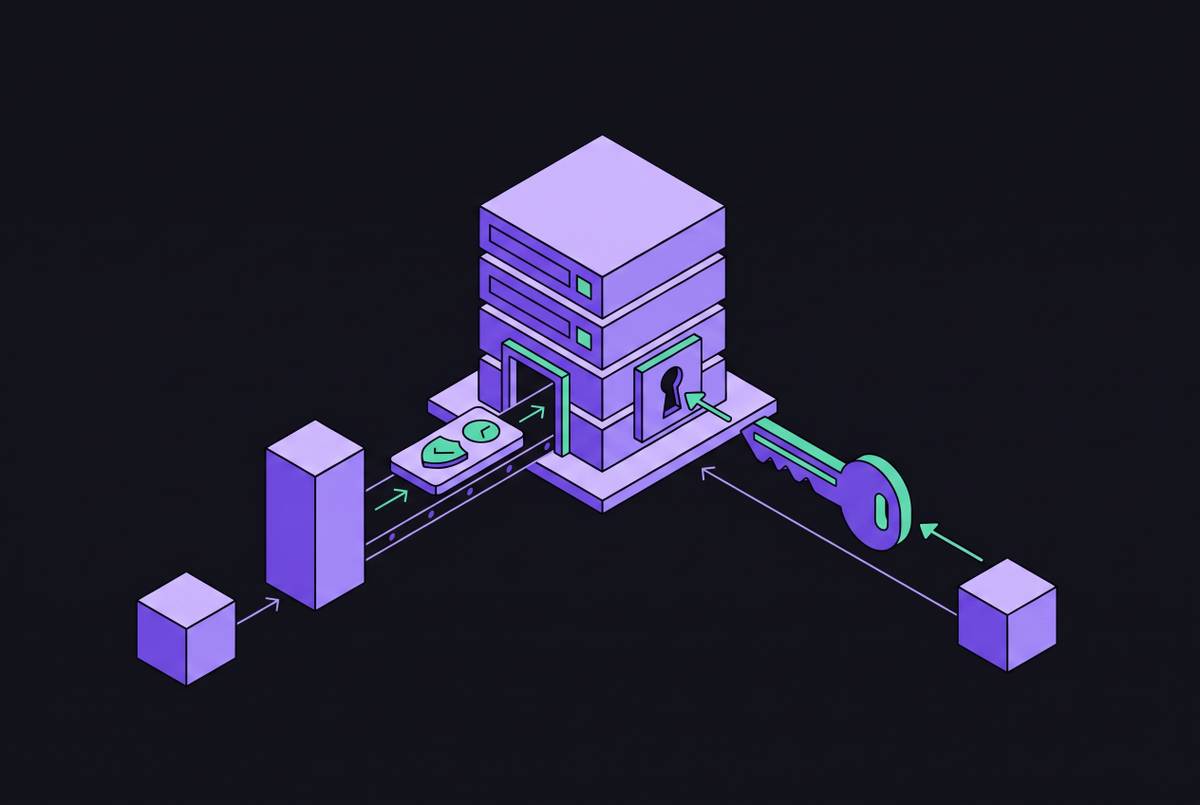
A connection gives Claude access to the tools and resources covered by its configured permissions. Before executing an operation, Claude presents a request describing what it intends to do for the user to approve or decline. A filesystem server limited to two folders cannot reach beyond them, and a read-only API token does not permit writing. Approval therefore works within the access boundary established during setup. It is not a substitute for setting that boundary carefully.
Start with read-only access and expand it only after the connection behaves as expected. For a filesystem test, the official MCP documentation suggests asking what work-related files are in the downloads folder. Its other examples test file creation and moving images into a folder, which require broader permissions. For marketing connections, begin with a read-only report and understand what the server can see, change, and record before allowing updates.
Cowork went GA on April 9, 2026, and can carry out multi-step desktop tasks on its own without a human prompting every step. Outdated brand context and platform-biased data can be amplified at the same speed as sound inputs.
The marketing tools that already have MCP servers and what each one connects
Klaviyo exposes email and SMS campaigns, flows, profiles, events, metrics, and templates. Klaviyo and Anthropic expanded their integration in May 2026 across Claude products, including claude.ai and Cowork. HubSpot provides access to CRM and marketing data.
Amazon Ads launched its official MCP server in February 2026, while Google Ads MCP, Meta Ads MCP, and LinkedIn Ads MCP expose their respective platforms’ self-reported data. Those accounts tend to inflate each platform’s contribution, so combining feeds alone does not resolve attribution bias. SegmentStream provides an independent cross-channel measurement layer to complement them.
Other servers cover narrower parts of the marketing workflow. Adobe introduced its GenStudio MCP server for creative and content generation on July 23, 2026. 6sense launched its server for account intelligence and ABM on July 14, 2026. Ahrefs, Semrush, and GA4 each provide a slice of search and analytics data. Rainbrand’s Brand Context MCP supplies the brand source of truth that complements those operational inputs.
These connections do not themselves orchestrate brand voice or schedule content. MCP must be paired with a publishing layer for execution. Its value comes from combining relevant sources.
The most common setup errors and how to fix them
A server missing after a configuration edit often means Claude Desktop was not fully quit. Use Quit Claude Desktop from the menu, then relaunch it so the configuration is read again. A Node.js error means that a manual npm/npx-based server does not have the runtime it needs or that Claude Desktop cannot find it. Confirm availability with node --version and install Node.js LTS if it is missing.
A misplaced comma or missing bracket can break the entire JSON configuration. Use the Developer settings logs to locate the parse error and validate the JSON syntax before saving. An unrecognized API key or environment variable often reflects a name that differs from the publisher’s requirements. Copy the variable name character-for-character from the README, including case, or re-enter the key through the extension’s configuration prompt.
A failed remote connection can result from closing the OAuth browser tab before sign-in finishes. Restarting authentication from Settings and Connectors requires completing the browser sign-in before returning to Claude. Context bloat occurs because connected servers’ tool definitions load into each conversation, increasing token overhead and potentially reducing reliability on complex tasks. Connect only the servers needed for the workflow and verify each individually before adding another.
Building a daily marketing workflow on top of MCP connections
Begin with one reporting or research workflow, such as pulling last week’s campaign performance. Keep it read-only while assessing how Claude interprets the connected data. Before expanding, identify what each new server can see, change, and record. Role-based permissions and human approval for actions that write or publish are the governance baseline. Expansion should follow a demonstrated need.
Use brand context as the anchor for the workflow. Platform data tells Claude what happened, while a Brand Context MCP such as Rainbrand’s tells it how to respond consistently with the brand. Together, live data and structured context support output that is both accurate and on-brand. Human judgment still owns creative decisions, client relationships, and brand differentiation.
The protocol itself is evolving, so follow the official documentation. The July 28, 2026 revision made the core stateless, added a formal deprecation policy, and moved experimental Tasks into an extensions framework. The durable investment, however, is the workflow built above the connection. Over time, teams build their own analyses, patterns for each account, and ways of working that a new adopter cannot quickly copy.