Linear MCP Server for Product-Marketing Alignment
Live product data replaces launch briefs that age before they're reviewed.
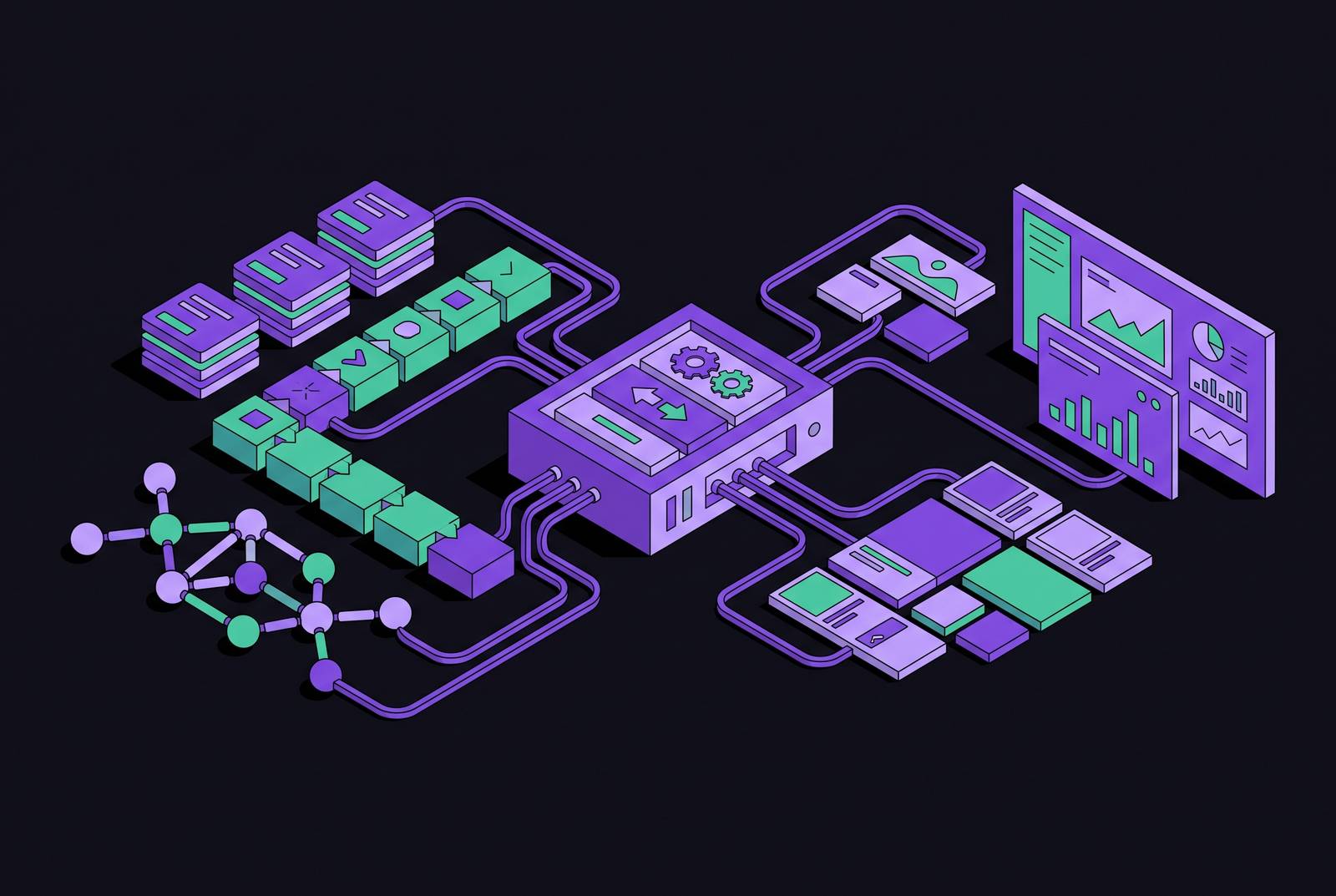
The Linear MCP server gives AI agents live, structured access to product work so marketing can plan from the same ground truth as product. That connection replaces manual status-chasing with direct retrieval, but current facts are only half the requirement. Reliable AI-assisted launch work needs both issue-tracking infrastructure for what is shipping and brand infrastructure for how it should be expressed.
Why product and marketing teams still work from different versions of reality
A launch brief can be out of date before anyone finishes reading it for review. The roadmap shifts, a sprint deprioritizes the feature, and the campaign timeline still carries the original shipping date. By the next stakeholder meeting, someone is assembling a status deck from screenshots of Slack threads. Each artifact may have been accurate when it was made, but none necessarily reflects the work now underway. The failure is not a lack of communication but a gap in infrastructure.
Status meetings and shared spreadsheets try to bridge that gap through human translation. Someone reads the issue tracker, interprets the changes, and carries them into the document where marketing plans. That work consumes time without removing the dependence on a separate snapshot. When the project changes again, the same cycle starts over. The structural fix is live read access to the actual structured data.
What MCP is and why it is the right interface for this problem
MCP is a standard interface that lets AI clients reach external systems. It defines how a client discovers and calls tools, reads resources, and uses prompts exposed by a compliant server. The official MCP documentation describes it as “a USB-C port for AI applications,” replacing separate custom adapters with a common connection. For marketing teams, the important change is the ability to retrieve context across tools without building a bespoke integration for every connection.
With that interface, data stays where the work happens. Issues stay in Linear, analytics stay in PostHog, and meeting notes stay in Granola. An AI agent reads across those systems instead of requiring their contents to migrate into a central store. This makes MCP useful as a coordination layer rather than another destination to maintain. The agent brings the information needed for a shared task from those systems.
The protocol also has a broader foundation than a single vendor’s integration program. In December 2025, Anthropic donated MCP to the Agentic AI Foundation under the Linux Foundation, co-founded by Anthropic, Block, and OpenAI. That move established a vendor-neutral home for the interface. Claude, ChatGPT, and Cursor support MCP, making compliant servers reachable through clients teams already use. Teams therefore need to check what each server exposes and what the connection lets them do.
What the Linear MCP server actually exposes and what changed in 2026
Linear shipped its official remote MCP server on May 1, 2025. Linear hosts the server centrally, giving agents live read and write access to workspace data spanning issues, projects, initiatives, milestones, and release notes. That scope matters because launch planning depends on more than individual tickets. Marketing needs the relationship between current work, larger plans, and the release that will eventually be announced.
The issue tools include list_issues, get_issue, list_my_issues, and save_issue. On February 26, 2026, save_issue unified issue creation and updates. Project access includes list_projects, get_project, and save_project, together with milestones, project updates, and project labels. Documents have list_documents, get_document, and save_document, while comments have list_comments and create_comment. Read tools for teams, users, and cycles, plus list_issue_labels, list_issue_statuses, and search_documentation, provide further context for interpreting the work.
Linear’s February 5, 2026 changelog introduced support for initiatives, project milestones, and updates. This expanded the server’s usefulness for people managing plans and communicating progress. Linear’s changelog also said that better tool documentation helped the server run better and use fewer tokens. The July 2026 addition of release and release-note tools extended that surface to the artifact connecting product shipping with marketing announcing.
There is also a reverse direction to this architecture. Since April 23, 2026, Linear Agent can consume external MCP servers through agent personalization settings. Linear’s changelog names Granola, Notion, and PostHog as examples. An agent inside Linear can therefore pull meeting takeaways from Granola and create follow-up issues. This is distinct from a marketing assistant reading Linear, but it matters when coordination needs to flow back into product work.
How to connect the Linear MCP server to the AI clients marketing teams already use
With the default connection, there is no local server to install because Linear hosts it remotely. Authentication takes place through a browser OAuth flow on the first connection. For Claude web and desktop, Linear is available as a first-party connector. Claude Code uses claude mcp add --transport http linear-server as the command prefix for adding the connection to Linear’s endpoint. Adding --scope user extends the connection’s availability from the current project to other projects.
ChatGPT has two paths with different scope. Linear documents a connector for deep research available to Plus and Pro users outside the EEA, Switzerland, and the UK, and to Team, Enterprise, and Edu users. For full MCP access with writes, an administrator must turn on developer mode and create a custom MCP app that points at Linear’s endpoint. That app authenticates through OAuth. The distinction matters because a research connection and an app with permission to edit work are different operational choices.
Cursor supports installation through Linear’s one-click link or its marketplace entry, created by Linear and verified by Cursor. Manual configuration belongs in ~/.cursor/mcp.json. VS Code version 1.102 and later has native MCP support, with Linear available from its curated MCP server list. A .vscode/mcp.json file can share the configuration with a team. These options keep setup within the client rather than requiring marketing to operate a separate integration service.
The connection should use /mcp with Streamable HTTP, since the original /sse endpoint is being phased out. For retrieval-only work, use the read-only endpoint or request only the read OAuth scope on the standard endpoint. The server inherits the authorizing account’s permissions, so use an account scoped to the agent’s actual needs. Authorization is also bound to a single Linear workspace. Each additional workspace requires its own authentication context, and reconnecting alone does not switch the workspace within an existing session.
Four workflows where the Linear MCP connection replaces manual product-marketing hand-offs
Campaign structuring addresses the separation between a marketing plan and the product work it depends on. With project, issue, and milestone tools available, an agent can draft the campaign’s structure in the same tracker that holds the relevant product work. A human directs and reviews that structure rather than transferring it manually from a separate planning document. When product dates move, marketing milestones can be updated in the same operation.
Status reporting addresses the work of assembling a current account of progress before a standup or stakeholder meeting. An agent can pull cycle and project status directly from Linear, including initiative-level and milestone-level progress supported by the February 2026 additions. A request about what shipped this week that affects the Q4 launch can be answered from current records. The agent handles retrieval and the first-pass summary. A human still reviews what stakeholders need to understand.
Keeping the timeline up to date means tracking the dependency that is easiest to miss when the campaign has its own document. If a campaign depends on a feature shipping on a given date, a change to that date needs to carry through to marketing milestones. Through the MCP connection, an agent with write access can read what changed in the product work and update the planning objects that depend on it. However, the connection alone does not initiate that work when a date moves. A human or scheduled prompt must start the query, so automatic timeline maintenance depends on that initiating step.
Release and release-note tools let an agent read the structured release data Linear captures, including what shipped, what version, and what changed. Those facts can be used to write launch emails, changelogs, or announcement copy. Product no longer has to reconstruct the release solely for a marketing hand-off. The agent drafts the facts, while humans choose the message and approve what the audience will see.
Extending the coordination layer to the rest of the marketing stack
Linear shows what engineering is doing, but launch work also needs plans, knowledge about customers, and data on what performed. Notion MCP provides access to specs, roadmaps, pages, and databases. PostHog MCP provides product analytics context through events, funnels, and feature flags. BuildBetter supplies the customer context that complements what product is shipping. Read together, these sources give an agent a broader factual basis for marketing work without relocating the underlying records.
That broader access reveals a different gap. Knowing what shipped, what customers said, and what performed does not tell an agent how the brand should sound or look. Content can be factually grounded yet miss approved terminology, voice, or visual rules. The missing input is brand context structured so the agent can retrieve and apply it.
Rainbrand fills that gap with a Brand Skill. This is a versioned, retrievable representation of a brand’s aesthetics, voice, references, and assets, available through API or MCP to connected agents and products. The agent reading Linear for launch facts can therefore also retrieve the context governing how it writes and designs from those facts.
What this setup does not yet handle and where human judgment stays essential
Live access improves the information available to a decision. MCP does not yet support standardized event-driven automation, so a change in a Linear milestone’s status cannot start the agent workflow described here on its own. A human or scheduled prompt still initiates the query. The protocol’s Triggers and Events working group still lists the specification as ideating. This is a real limit for teams expecting the connection to behave like a complete automation system.
Write access introduces a separate constraint because the server exposes write tools by default. Excess permissions or a misconfigured agent can allow Linear objects to be created or modified without a human in the loop. The appropriate operating model in 2026 is AI-drafts, human-directs. Agents draft project structures, summaries, and launch copy, and people review the work before it goes to stakeholders or an audience. Only low-risk operations with clear rules should be approved without a human.
Separate workspace authentication creates overhead for agencies and multi-brand operators, even when the workflows themselves are similar. MCP server implementations vary in quality, error handling is inconsistent, and a distributed agent stack is harder to debug than a monolithic one. Teams with strict security and observability requirements should audit the OAuth scopes requested by each server and where credentials are stored.
Making brand context as structured and retrievable as your issue tracker
Traditional brand guidelines were written for people, often as PDFs that AI tools never open. A more detailed prompt cannot make up for the lack of machine-readable brand context. An AI-operable brand specification instead encodes behavioral rules covering tone, terminology, claims, redlines, and visual constraints. Those rules can live in structured Markdown, JSON, YAML, or an MCP-accessible resource. The model needs instructions it can follow in place of vague adjectives that describe the brand.
Brand identity should be updated like code, with connected systems inheriting the latest version instead of requiring every team member to paste guidelines into every prompt. Rainbrand’s Brand Skill applies that model across Claude, Cursor, ChatGPT, and other MCP-compatible environments. Agencies and multi-brand operators can keep multiple brands in Rainbrand’s workspace without a separate prompt library for each brand. Product-marketing alignment at AI scale requires this structure at both ends, with Linear MCP grounding the work in what is shipping and Rainbrand grounding its expression in the brand.